Portfolio Project
Goal
To create a site that will showcase a variety of skills and learning elements.This portfolio is designed to give a brief overview of skills and education that I have undertaken over my career. Unlike a straight designer's portfolio, this portfolio will focus on a few differing projects, with it's primary focus being to showcase the methodology used to achive the end result. Project pieces will discuss web based, creative educational and consultation outcomes that I have worked on throughout my career.
Timeline for project - 20th to 23rd Jan. 2019.
Research
Initial research was performed on the 20th, with a focus on what is considered a good portfolio. Though I have taught many students to create high end portfolios, I've never made a portfolio for myself before, as there was never any need. Now that there was a need for a portfolio, I had researched into what skills a potential employer would be looking at in regards to a portfolio about myself. With the goal to remain relevant and on topic to any positions that I apply for.
As such I broke my skills set down into the following categories
- Web Based
- Education
- Design
Web based would show case only recent websites that I have worked on, this was also great motivation to rebuild the learning web website I've been using as a resources for my students. The sites being shown would need to showcase a variety of skills that I have developed from design, coding through to implementation of websites. This also meant that I would show case time management as I had a timeframe of 5 days to upgrade one site and create a brand new site, in addition to searching, formatting and chunking content on my skills for the sites.
Education skill set will show various methods and elements from various jobs I have done. This is designed to show case the methodology of breaking down and creating a complete course based off government recomendations through to examining and enhancing course material provided by a course convener.
Design will showcase some of the materials I have created to either teach myself new skills or to stay current with the changes in technology. Elements such as videos, interaction and user experience changes in the way we build and design web.
The site was designed with the following personas in mind.
Persona - Employer
- Goal of using the site: to learn as much as possible about myself with minimal amount of searching. Elements to be looked for is the thought process and design of how I intereact with problems and learning environments. To determine if I have the skills that is required for the position I am applying for.
- Determine the UI and UX capability of the sites I create.
- Determine my ability to take complex elements and turn them into teachable elements.
Research results
The persona used was very generic, but even with a simple generic idea the website has to be designed with ease of use in mind. Working on a minimalist site allows for the site to be loaded quickly and efficiently, which indicates an understanding of the internet capability within Australia. The site must showcase the modern trend with font styles and clean simple design.During the research time period, I realised that I could have added a student persona to the site, as I will be able to use the site as a method showcasing specific elements in a portfolio in a hierachical manner that is easy to follow for an end user.
Planning
With a limited time frame, the site will be designed and constructed without a focus on responsive design. Time permitting, this will be added to the site. The breakdown of the planning is:
- Planning
- Breakdown of time frame
- Breakdown of elements required
- Research elements
- Locate content to fill elements
- Create a subdomain portfolio.seancostain.com
- Design
- Layout of site
- Font selection
- Colour selection
- Prototype
- Index Page
- Content Page
- Project Landing page
- Individual projects
- Resume
- Build
- Index Page
- Content Pages
- Project Landing page
- Individual projects
- Web based
- Learning Web 2018
- Learning Web 2019
- Portfolio
- Dreise Tucker ATOL
- Educational
- Evocca
- Griffith - Advanced Web
- Griffith - Designing Immersive Environments
- Design based
- Web based
- Resume
- Test
- Local - Links, images content works and is viewable through multiple browsers.
- Deployed - Links, images content works and is viewable through multiple browsers. Validation of html, css and accessibility to be run and tested over 3rd party test sites.
- Deploy
- Creation of subdomain, transferance of site from local to remote server.
- Additional Features
- Responsive Design
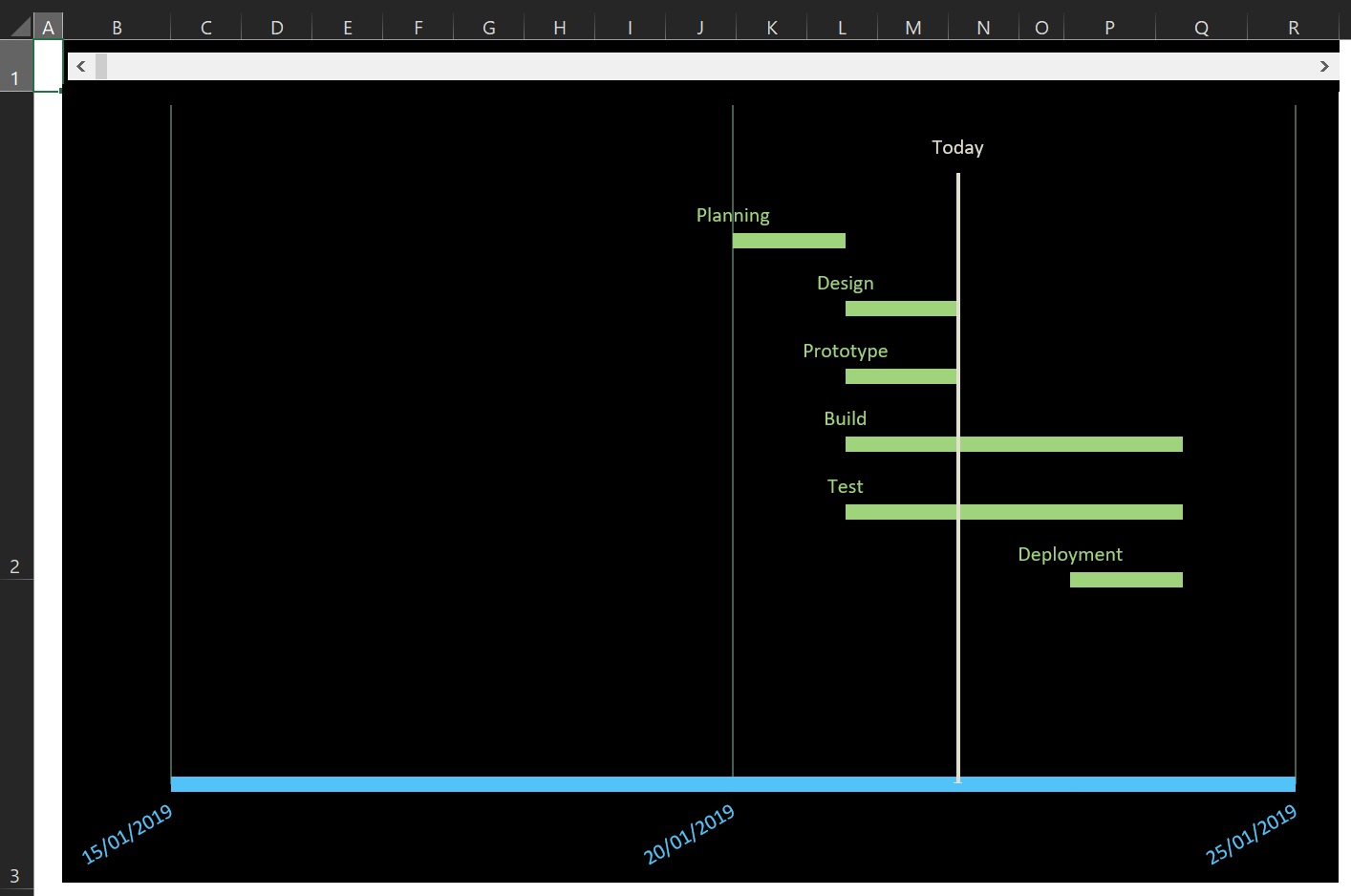
Gnatt Chart
Timeframe: 20th to 23rd Jan. 2019
The shortened time frame for the site upgrade is due to the requirement of generating a portfolio website required for an interview. As such, the timeline is increasingly short with design and planning elements being compressed into a half day. During the prototype section, the site layout and feel worked as planned and as such the site moved onto the build & test section for the 21st,22nd and 23rd. The goal is to complete the majority build before the 23rd and then run final testing once the site has been deployed.
Mock Ups
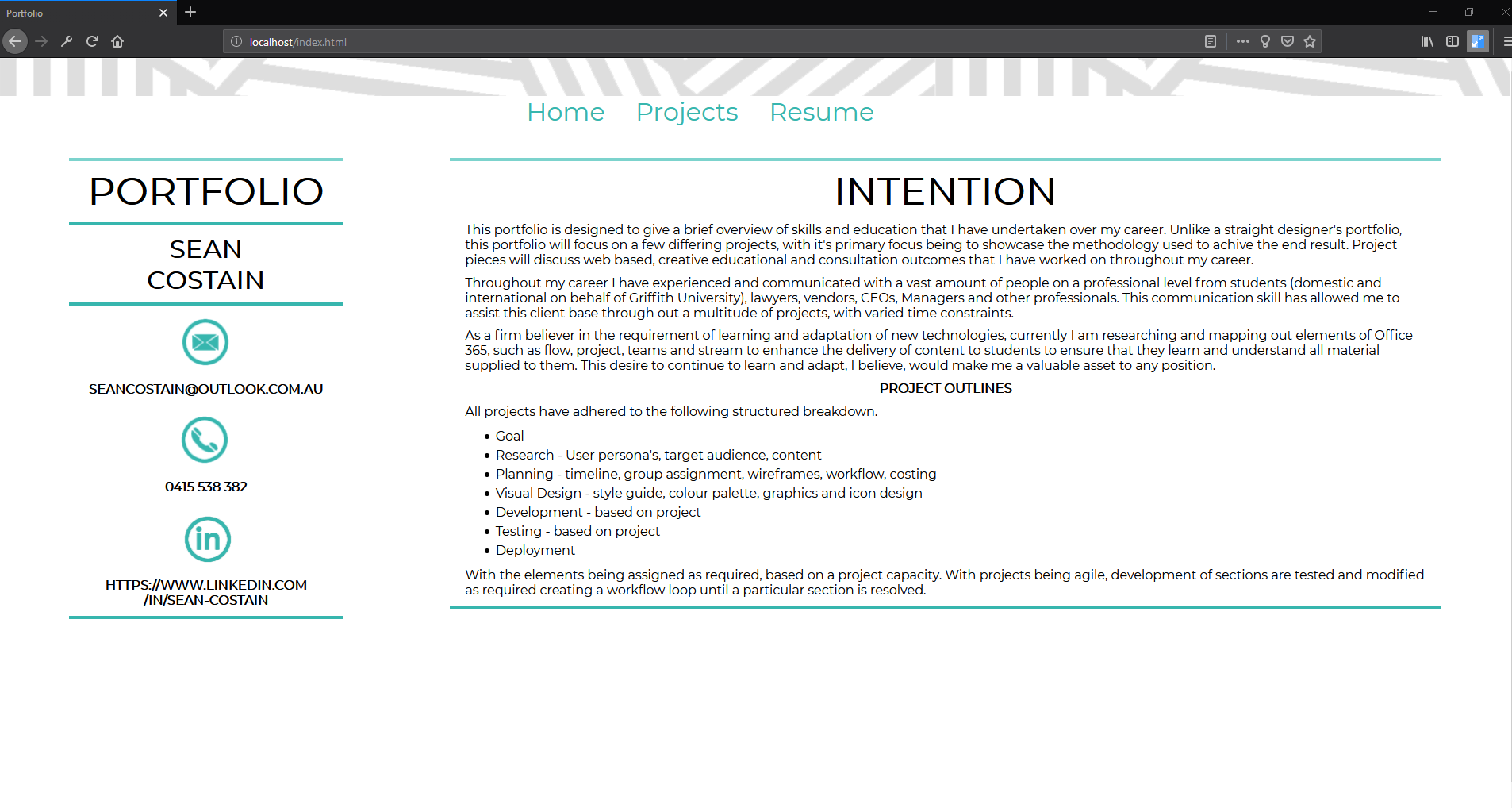
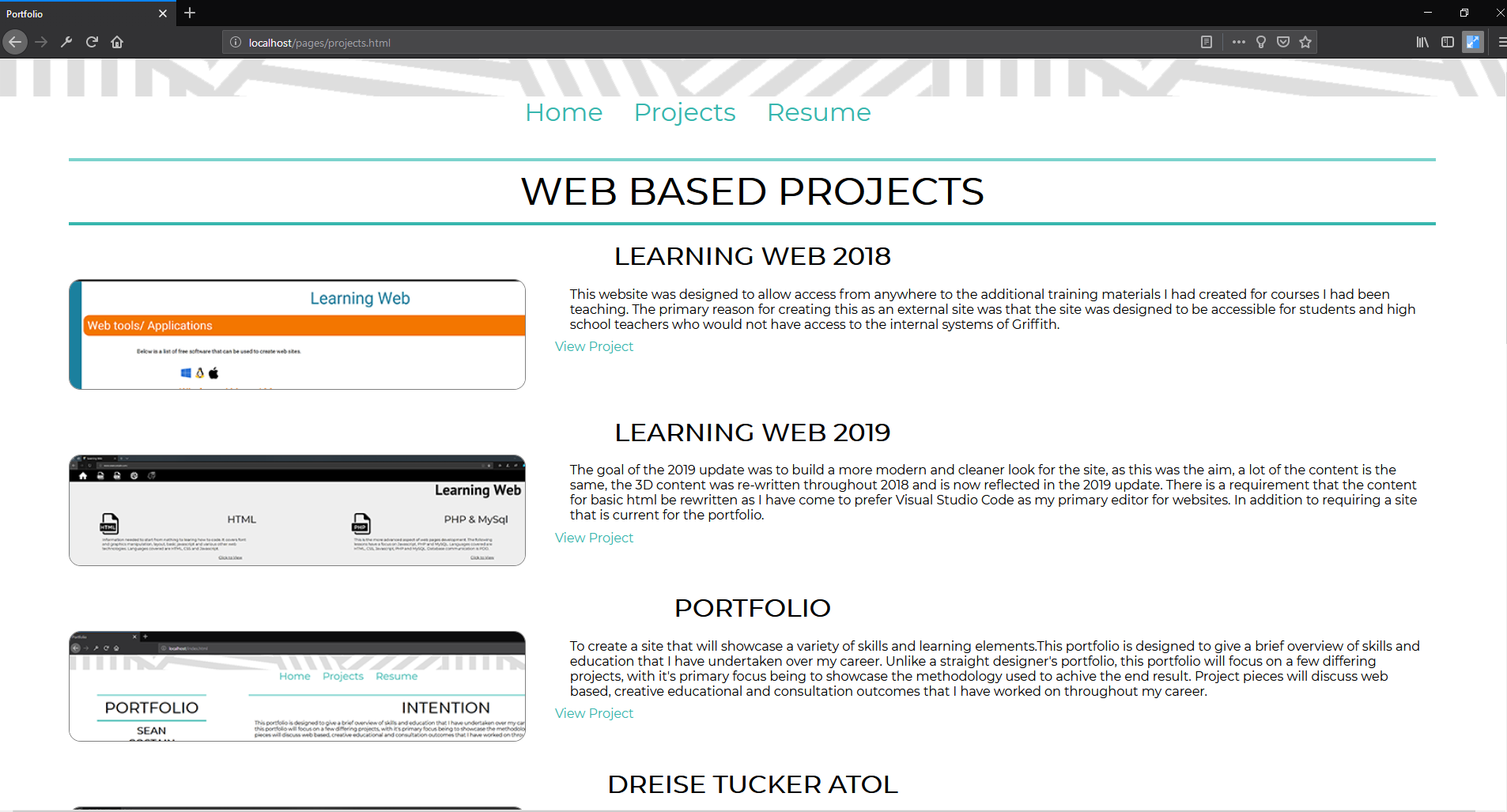
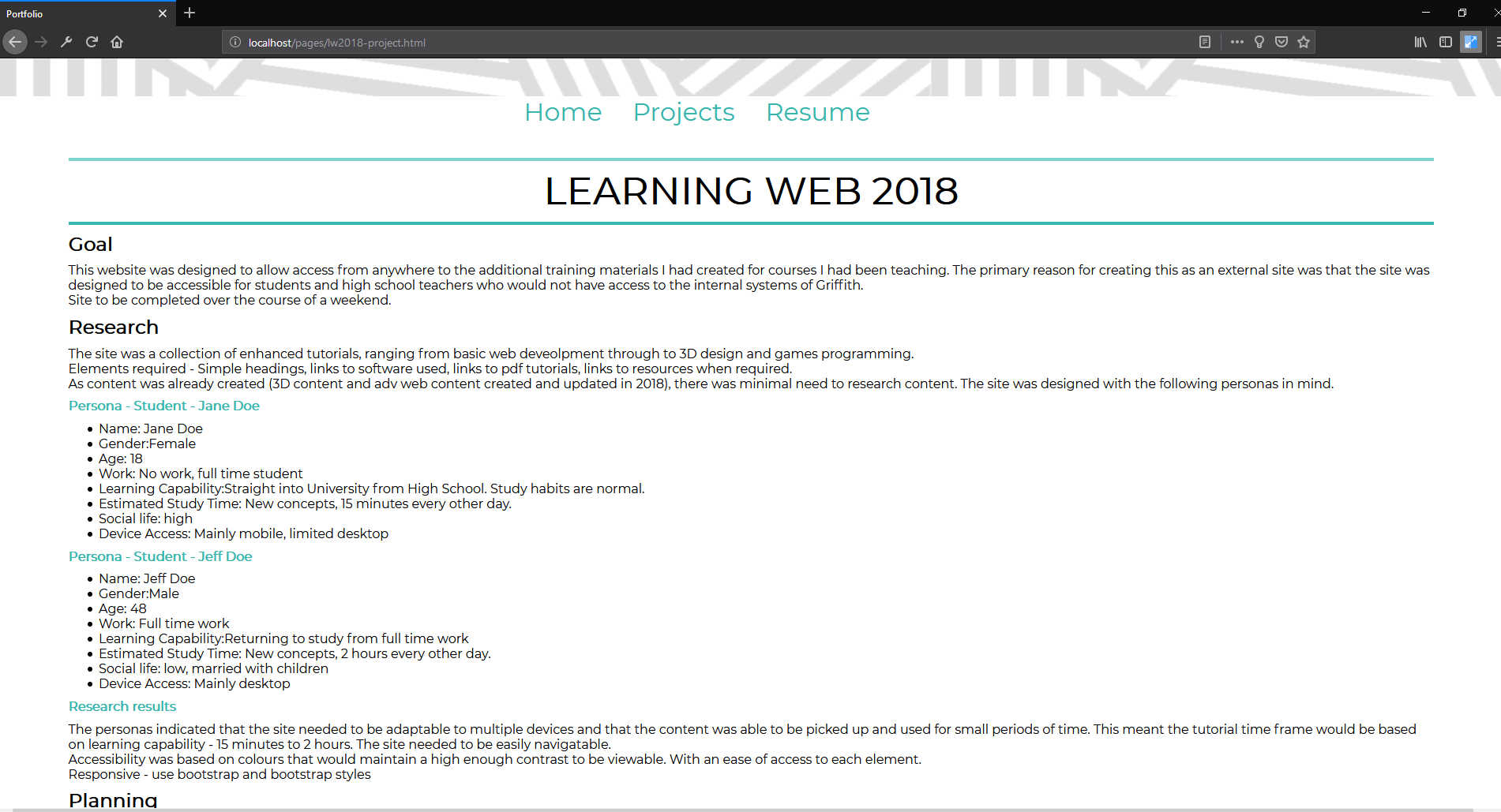
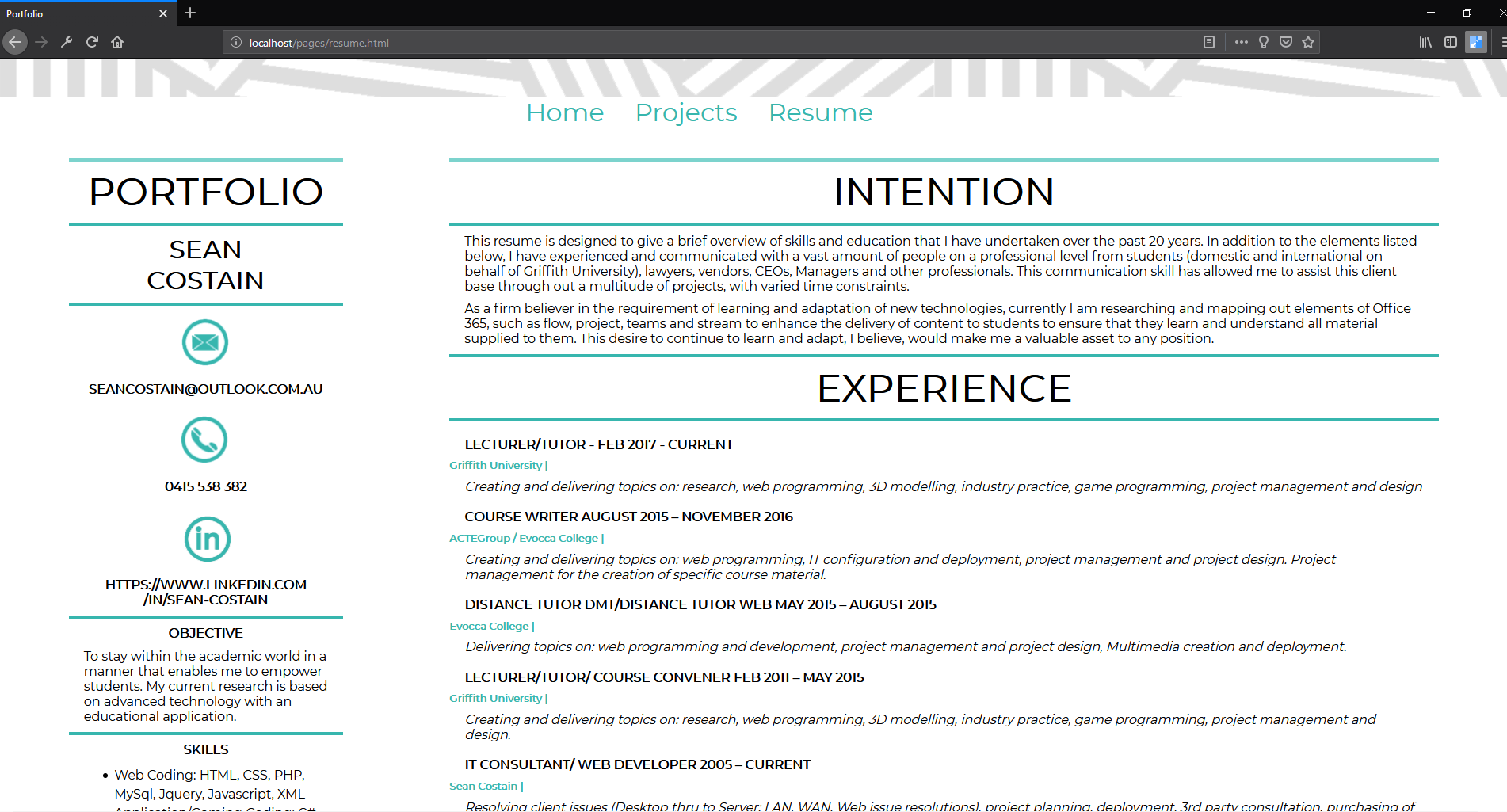
The mock ups were designed in Adobe XD, as this is a new design tool that is being spoken about alot, I believed I needed to speed sometime with it to get familier with the layout and structure of the application. Below are some of the mock ups.
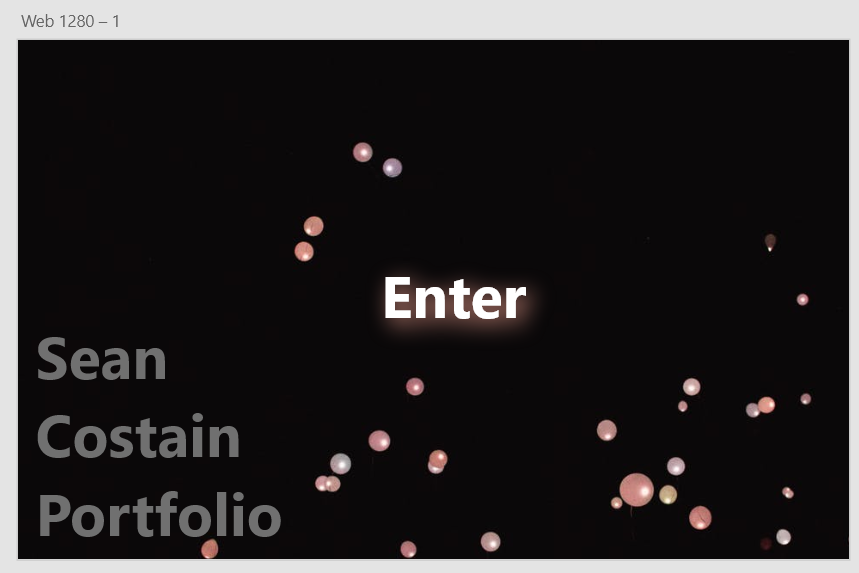
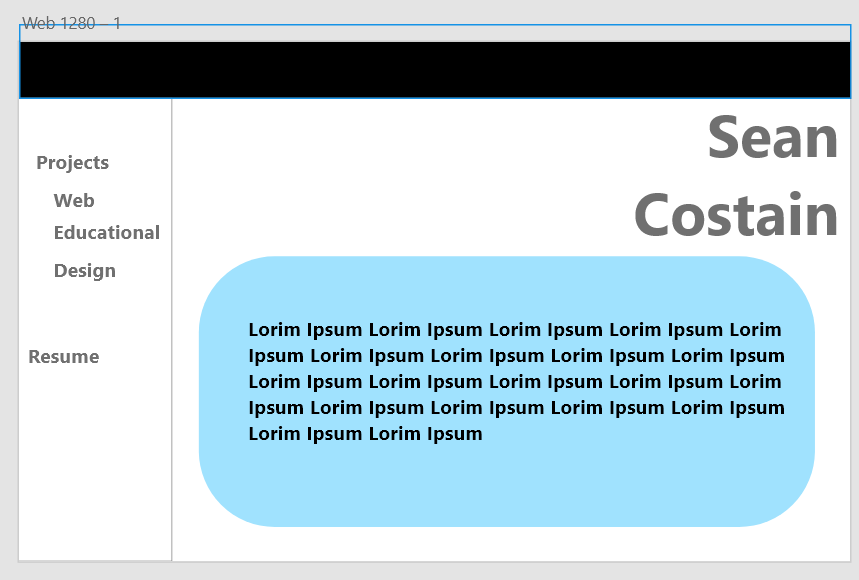
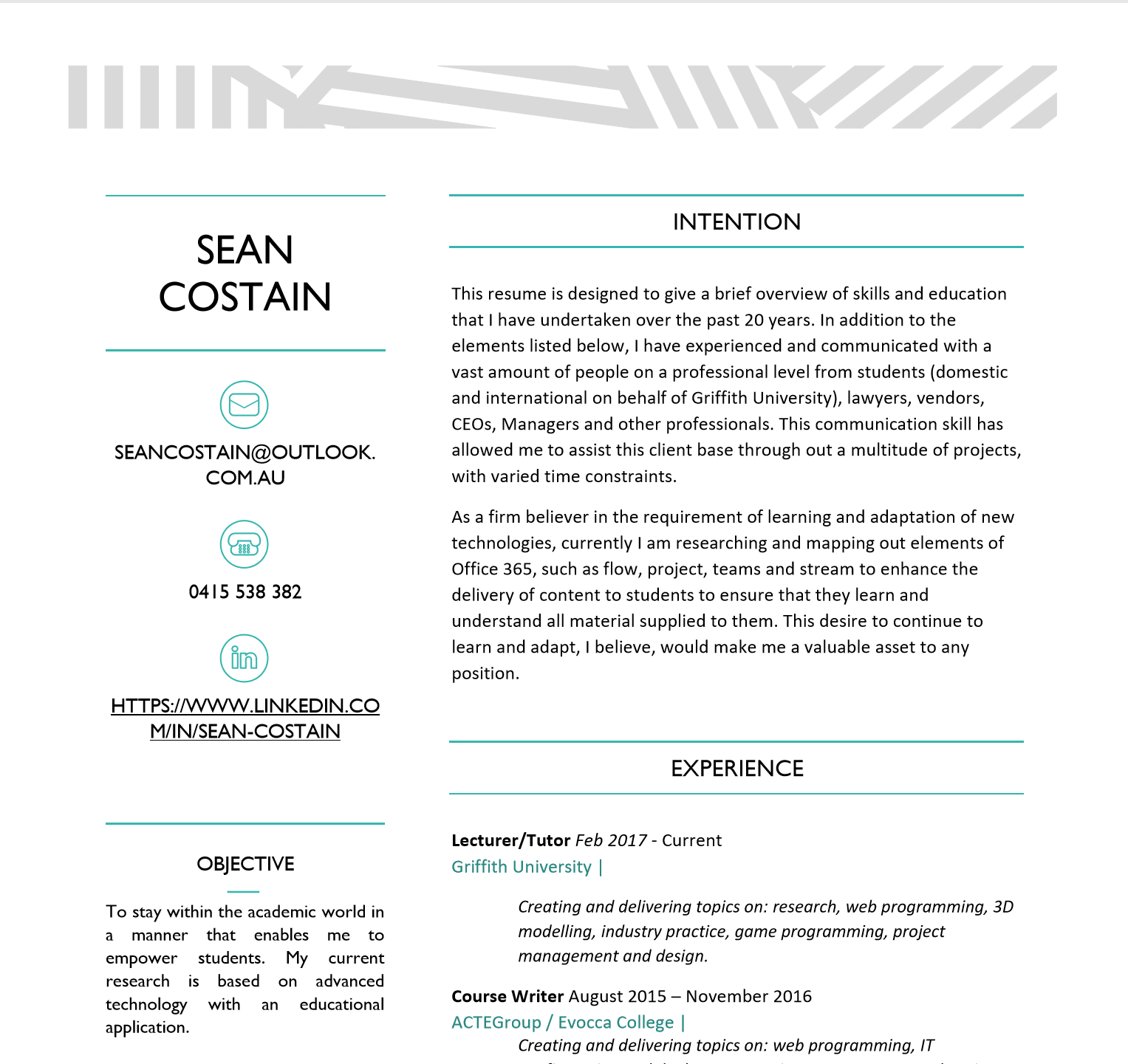
During the period of time spent on the mock ups, I realised that I was thinking too much designer, trying to get pretty graphics instead of the actual reason for the existence of the portfolio. As such, I based the portfolio design on my resume. In this way, consistency occurs from digital to printed design. Though, the projects page was a complete re-design from the resume look, as it was the entry point to a multitude of pages. As such, I spent some time designing a way to showcase a lot of links better than just a simple click here design. It was then that I thought of applying a simple design of image and blurb for each project being included into the portfolio.
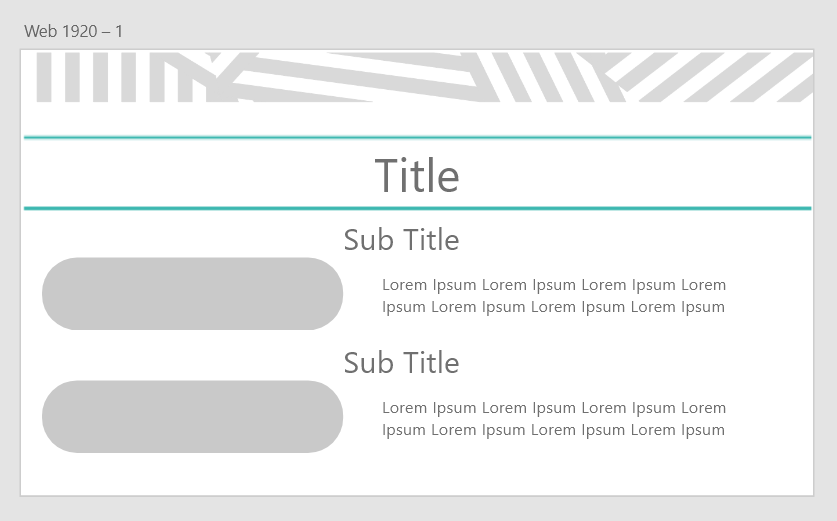
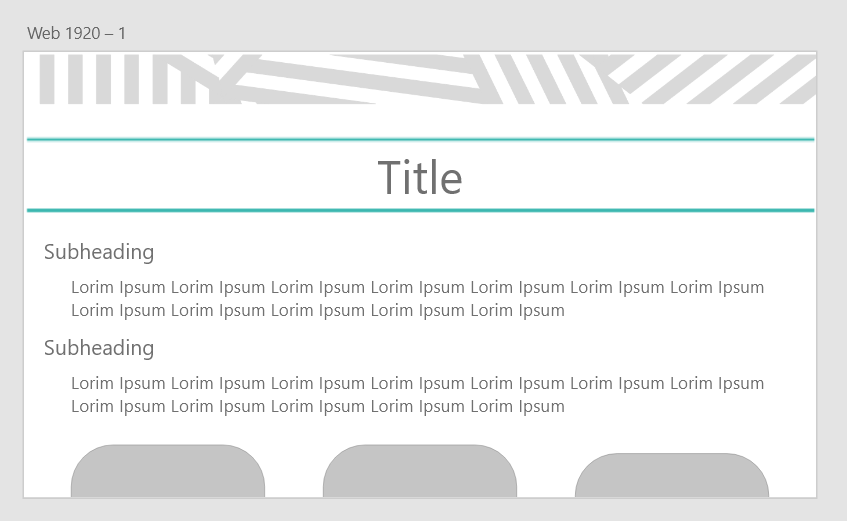
The reason behind such a simple design is that the primary goal of the portfolio is to showcase skills that are inherient to a person and not design based, locating presenting well designed pictures is easy when trying to showcase the skill of logical thought and breakdown of large complex issues. As such, I went for a design on the individual project page that would show the primary steps that were undertaken for each project.
Visual Design
Text - Font
Primary font: "Montserrat", sans-serif.
Text - Sizes
- Nav ul li: 2em
- index-sidebar h1: 3em
- index-sidebar h2: 2em
- index-sidebar h3: 1em
- xpbox h3: 1em
- xpbox h4: 0.8em
- Project-sidebar: 3em
Colour Palette
- Background: white
- Nav ul li a: #37b6ae
- Nav ul li a hover: #7cd3cd
- index-sidebar h3 a:
- index-sidebar h3 a hover:
- xpbox h4: #37b6ae
- content-box a: #37b6ae
- content-box a hover: #37b6ae
Colour palette's will be matched to each individual project.
Interaction
- Links were coloured changed on hover. The boxes for the index page which contain the image and text is an entire link, with a fake link created and placed inside to ensure the end user knows what to do.
- Designed to load fast, with minimal graphics. Prmary graphics are the icons used for navigation on which they are coded to swap with coloured icons using javascript.
Development
Development was carried out locally using XAMPP, with design and layout.Images and icons were optismised within this period of the project. Content was added after the structure was completed.
Tools used were: Adobe XD, Adobe Photoshop, XAMPP and Visual Studio Code.
Testing
Testing was carried out throughout development.Browsers
- Edge
- Chrome
- Firefox
Devices
- Desktop - 4k -> 1366
- Tablet - Surface, android
- Mobile - Windows, android
Browser development tools where used to assist with responisveness of the website.
A section would be developed and then tested.
Once deployed the site went through online validation for html, css and accessibility.
Deployment
Deployment was FTP to a server in Miami. Once depoyed, testing on all links and validation was carried out again.Site look